
Chargeback vs Refund in Stripe: The Bank Timeline (and What Merchants Should Expect)
Feb 20, 2026
A refund in Stripe feels simple. You click a button, the customer gets their money back through a transaction reversal, and everyone moves on.
A chargeback feels like the opposite. The bank takes the money first, asks questions later, and you’re suddenly on a deadline.
If you accept card payments at scale, this difference matters. Not just for cash flow, but for ops time, fees, and your chargeback rate. Below is the clearest way to think about the refund timeline vs the Stripe chargeback timeline, including what happens inside the bank and card networks.
Refunds in Stripe: what happens after you hit “refund”
A Stripe refund is merchant-led. You decide to return funds, Stripe updates the payment, and the card networks push the credit back to the customer.
From your side, the refund is quick. From the customer’s side, it can feel slow because their bank controls posting speed.
Here’s the practical timeline most merchants see:
- Minute 0: You initiate a full or partial refund in the Stripe Dashboard or API. Stripe reduces your balance (or pulls from your bank account if needed). As a best practice, send a refund receipt to keep the customer informed.
- Same day to next day: The refund moves into network processing. Some customers will see “pending” almost immediately.
- Within 1 to 10 business days: The refund typically posts to the customer’s bank statement, though it may appear differently depending on the bank and card brand.
That last window is the part support teams end up explaining over and over. The money isn’t “stuck in Stripe” at that point. It’s waiting on issuing bank posting cycles. Customers can reference the Acquirer Reference Number to track their funds through their issuing bank.
A few refund gotchas that cause confusion:
- Refunds can’t reliably “stop” a chargeback once it’s filed. If the customer already disputed with their bank, refunding afterward can lead to messy outcomes (and sometimes double loss). In many dispute flows, you also can’t refund a payment that’s already under active dispute in a normal way. A failed refund can occur due to technical hurdles like insufficient balance.
- Partial refunds don’t always prevent disputes. If the customer wanted a full credit, a partial refund can still end in a chargeback.
- Refund speed is not the same as customer satisfaction. If the core issue is unclear billing descriptors or a hard-to-cancel subscription, the customer may still go to their bank.
For more detail on how disputes work at a higher level, Kount’s overview of the process is a helpful baseline: Stripe chargebacks guide for merchants.
Stripe chargeback timeline: what the bank and card network do (step by step)
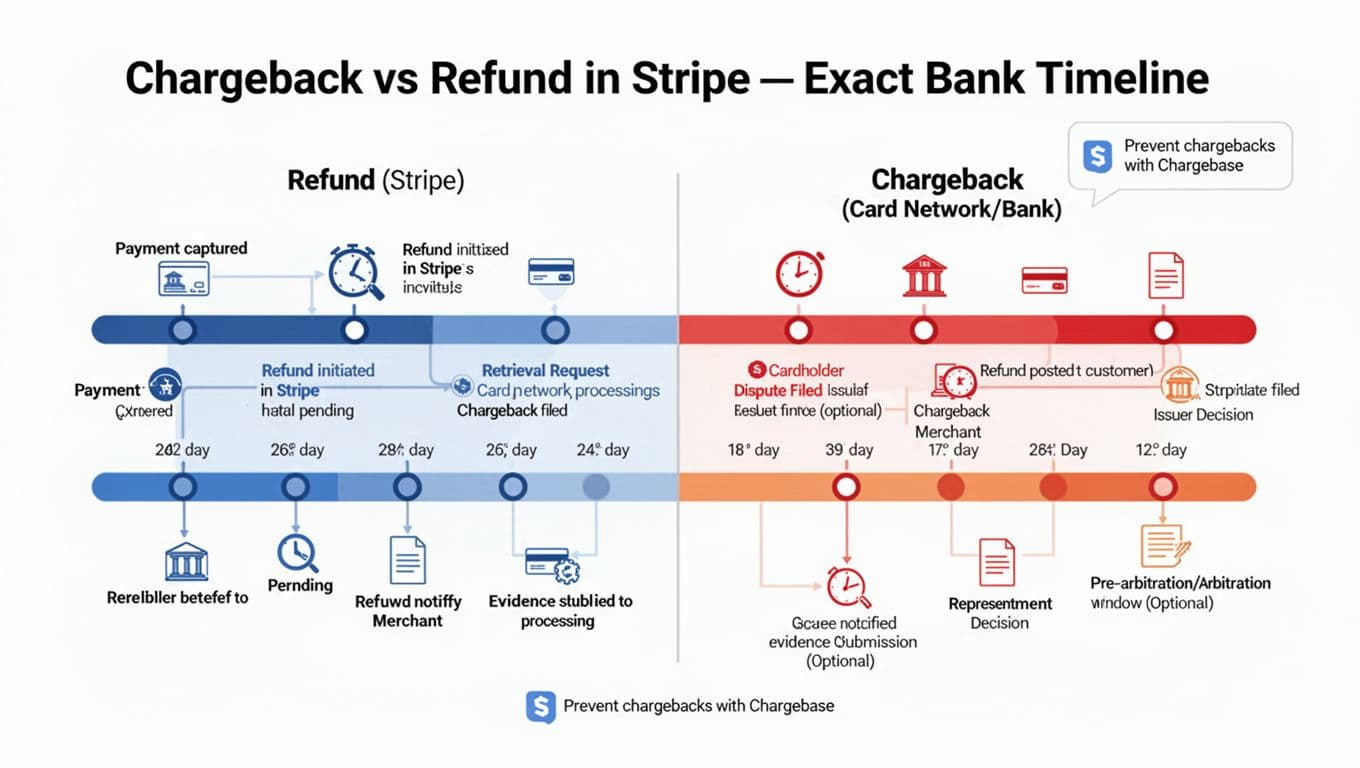
A chargeback, which may be preceded by an inquiry or retrieval request, is customer-led and bank-led. The cardholder disputes with their issuer (their bank). The bank then uses card network rules (Visa, Mastercard, Amex) to move the case forward.
That’s why the stripe chargeback timeline is longer and more rigid than a refund.
The “exact” timeline range you should plan around (as of early 2026)
Real cases vary by card network and reason code. Still, most Stripe merchants will recognize this pattern:
- Cardholder files a dispute (within the chargeback time limit, often up to 120 days after purchase)
Many card purchases allow disputes for up to about 120 days. Some scenarios extend that window, such as certain service or delivery issues. - Chargeback opens and Stripe notifies you
Once the dispute becomes formal, Stripe alerts you by email and in the Dashboard. At that point, the disputed amount is typically pulled from your Stripe balance and held while the case runs. - Response deadline for evidence submission (often 7 to 21 days)
Stripe will show the response deadline in the dispute details. Miss it and you usually lose by default. Submit compelling evidence to fight effectively; the tight turnaround is why dispute ops feels like firefighting. - Issuer review and decision (often 60 to 75 days)
The issuing bank reviews what you submit. During this period, the cardholder may have a temporary credit that later becomes permanent if they win. - Possible escalation (pre-arbitration or arbitration)
If the parties don’t agree, the case can escalate under network rules. Stripe’s explanation of escalation is worth reading because it frames the real cost and effort involved: how chargeback arbitration works across card networks. - Final outcome (often 2 to 3 months total)
If you win, funds return to you. If you lose, the reversal sticks and you’ll also pay dispute fees.
A refund is a decision you control. A chargeback is a process you participate in, on someone else’s clock.
The business impact usually isn’t the single disputed order. It’s the repeat pattern: fees, labor, and rising dispute ratios.
Chargeback vs refund in Stripe: the differences that change your cash flow
The fastest way to choose the right action is to compare who controls the process and when money moves.
Here’s a simple side-by-side view.
| Topic | Refund (Stripe) | Chargeback (Bank and card network) |
|---|---|---|
| Who starts it | Merchant | Cardholder via issuer |
| When funds leave you | When you refund | When the dispute opens (funds usually pulled and held) |
| Customer timeline | Often 1 to 10 business days to post | Often 2 to 3 months end-to-end |
| Your workload | Usually low | Evidence gathering, deadlines, follow-ups |
| Extra costs | Usually none beyond the refund | Time cost, currency conversion for international transactions |
| Dispute fee | None | Typically $15 per dispute |
| Best for | Honest mistakes, fast resolution | When the customer already went to their bank, or you need to contest |
Takeaway: As the Merchant of record, if a customer is simply unhappy and you can refund quickly, refunds tend to be cheaper and avoid the need for compelling evidence. Once it becomes a chargeback, you’re in defense mode.
How to prevent chargebacks before they hit Stripe (without adding more manual work)
Many chargebacks start as something small: a forgotten subscription, a delayed shipment, a descriptor the customer doesn’t recognize, or a support ticket that went unanswered over a weekend.
So the best prevention strategy is simple in theory: get to the dispute before it becomes a chargeback. In practice, you need speed, rules, and clean handoffs. Tools like Stripe Radar provide early fraud warnings as a first line of defense, and Stripe Chargeback Protection helps eligible merchants cover certain legitimate chargebacks automatically.
That’s where Chargebase fits.
Chargebase is a chargeback prevention and recovery platform for e-commerce and SaaS merchants. It connects to your payment provider with a no-code setup, then helps you react early using dispute networks and resolution programs. Instead of waiting for a formal chargeback, you can get the “heads up” that a cardholder is about to dispute, including inquiry alerts.
Chargebase supports major programs that merchants often pair together:
- Ethoca for issuer-driven alerts (common on Mastercard rails). Chargebase also explains this in its own resource: Ethoca chargeback prevention explained.
- Verifi CDRN for pre-dispute alerts (often associated with Visa).
- Visa RDR for rules-based, automated resolutions that can auto-refund eligible cases.
A few product details matter when you’re comparing options, especially since recovery platforms like Chargebase supply compelling evidence to strengthen your cases:
- Chargebase runs as a fully automated workflow, so your team doesn’t live in spreadsheets.
- You can set 10+ automation rules, including how to handle certain dispute types when RDR is available.
- Alerts are real-time, but meant to fire only when action can still stop a chargeback.
- Pricing is pay-per-alert, aligning cost to cases you can act on (Chargebase lists examples like $15 per alert for CDRN and RDR, and $25 per alert for Ethoca).
If you’re trying to keep your dispute rate down, those early alerts can be the difference between “refund in time” and “chargeback counted against you.” For operational guidance on reducing your rate over time, see strategies to keep chargeback rates low.
Conclusion: pick refunds for speed, plan for chargebacks with timelines and rules
Refunds in Stripe are usually quick to start, but banks still need time to post credits. Chargebacks take longer because the bank controls the steps, deadlines, and final decision.
Once you treat the stripe chargeback timeline like a fixed clock (not a vague process), your next moves get clearer: refund fast when it’s appropriate, fight only when the math works, and build early-warning coverage so fewer disputes become chargebacks, especially for Connect accounts managing their own dispute activity.
If chargebacks keep showing up “out of nowhere,” it’s time to invest in prevention, not just dispute responses. Review friction points like manual authorization if chargebacks stay high, and monitor the bank timeline to set customer expectations.
You might also want to read
Uncategorized
Apr 10, 2026
Uncategorized
Apr 09, 2026
Uncategorized
Apr 08, 2026
Uncategorized
Apr 07, 2026